This page contains affiliate links. If you buy through them, we may earn a commission at no extra cost to you.
Coastal Picks
Dell Pro 2026 Desktop Tower review
An everyday Windows 11 Pro desktop tower with a 14th Gen Intel Core i3 processor and business-security features.

Quick take
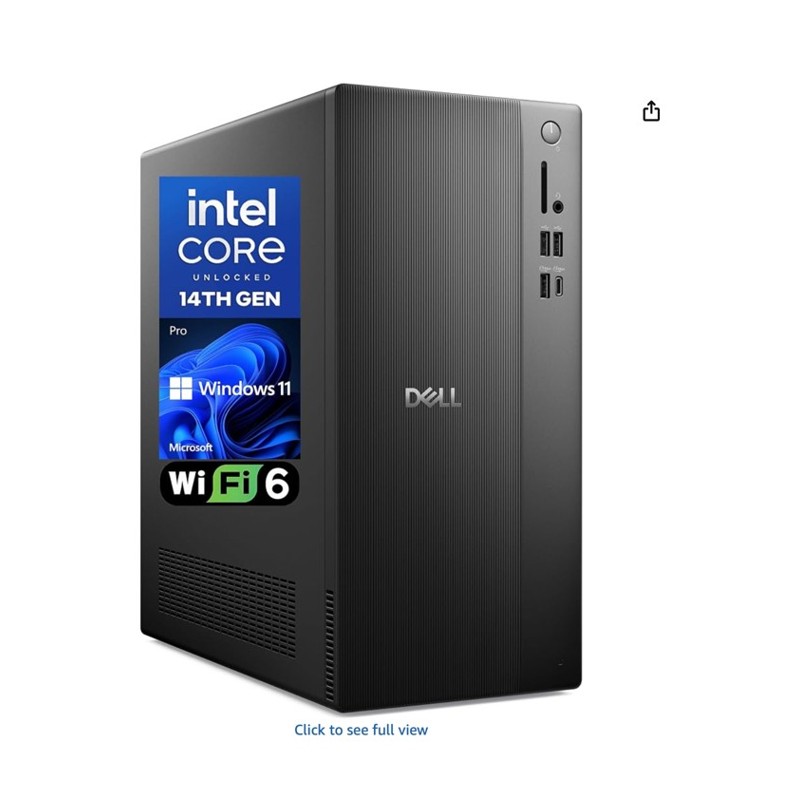
This Dell Pro tower runs a 14th Gen Intel Core i3-14100 processor with 8GB DDR5 RAM and a 512GB PCIe SSD, using integrated Intel UHD Graphics 730. It supports multi-monitor setups via DisplayPort 1.4 and HDMI 2.1, includes 8 USB ports and Gigabit Ethernet, and adds a Kensington lock slot for physical security. It runs Windows 11 Pro, with BitLocker data protection and Remote Desktop support.
From our own use
For someone who prefers a Windows PC to a Mac, Dell is one of the first brands I would consider. This tower appears to include the current essentials; pair it with a good monitor, and it should make a capable everyday desktop system.
| Brand | Dell |
| OS | Windows 11 Pro |
| CPU | Intel Core i3-14100, 3.5 GHz |
| RAM | 8GB DDR5 |
| Storage | 512GB PCIe SSD |
| Graphics | Integrated Intel UHD Graphics 730 |
| Ports | 8 USB, DisplayPort 1.4, HDMI 2.1 |
Who it's for
Good fit
- Everyday business or home computing needs
- Anyone who wants Windows 11 Pro's business security features
- Buyers who already have or plan to add their own monitor
Skip it if
- You need discrete graphics for gaming or heavy creative work
- You want a higher RAM configuration out of the box for multitasking
Setup and daily use
The built-in Kensington lock slot and padlock loop are worth noting for office environments where physical security matters, not just data security. Multi-monitor support through DisplayPort and HDMI covers most common office setups without needing an add-in graphics card, and Windows 11 Pro's BitLocker and Remote Desktop features are aimed squarely at business use rather than home gaming.
Pros and cons
Pros
- Current 14th Gen Intel processor
- Windows 11 Pro with business security features
- Multi-monitor support built in
- Physical security via Kensington lock slot
Cons
- 8GB RAM is modest for heavy multitasking
- Integrated graphics only, not suited for gaming or GPU-heavy work
Frequently asked questions
What processor does this desktop use?
A 14th Gen Intel Core i3-14100.
How much RAM and storage does it have?
8GB DDR5 RAM and a 512GB PCIe SSD.
Does it support multiple monitors?
Yes, via DisplayPort 1.4 and HDMI 2.1.
What operating system does it run?
Windows 11 Pro, with BitLocker data protection and Remote Desktop support.